Bring Your Haunted Home to Life with Josh.ai this Halloween
The pumpkins are carved, the candy bowl is full, and guests are on their way. Before the doorbell rings, give your home a little Halloween spirit with Josh.ai.
From colorful lighting and a spooky soundtrack to party inspiration with JoshGPT, here are a few ways that Josh can set the mood for your guests and ghouls.
We asked Josh the questions featured below and included its actual answers, with punctuation and capitalization lightly edited for readability. Try them yourself and see what Josh comes up with in your home!
Set the Scene for a Spooky Welcome 👻
Start with the area where everyone will gather. Lower the lights and, if your home has compatible colored lighting, try a warm orange glow or a splash of purple to bring your decorations to life.
“Hey Josh, set the lights on the first floor to a Halloween theme”
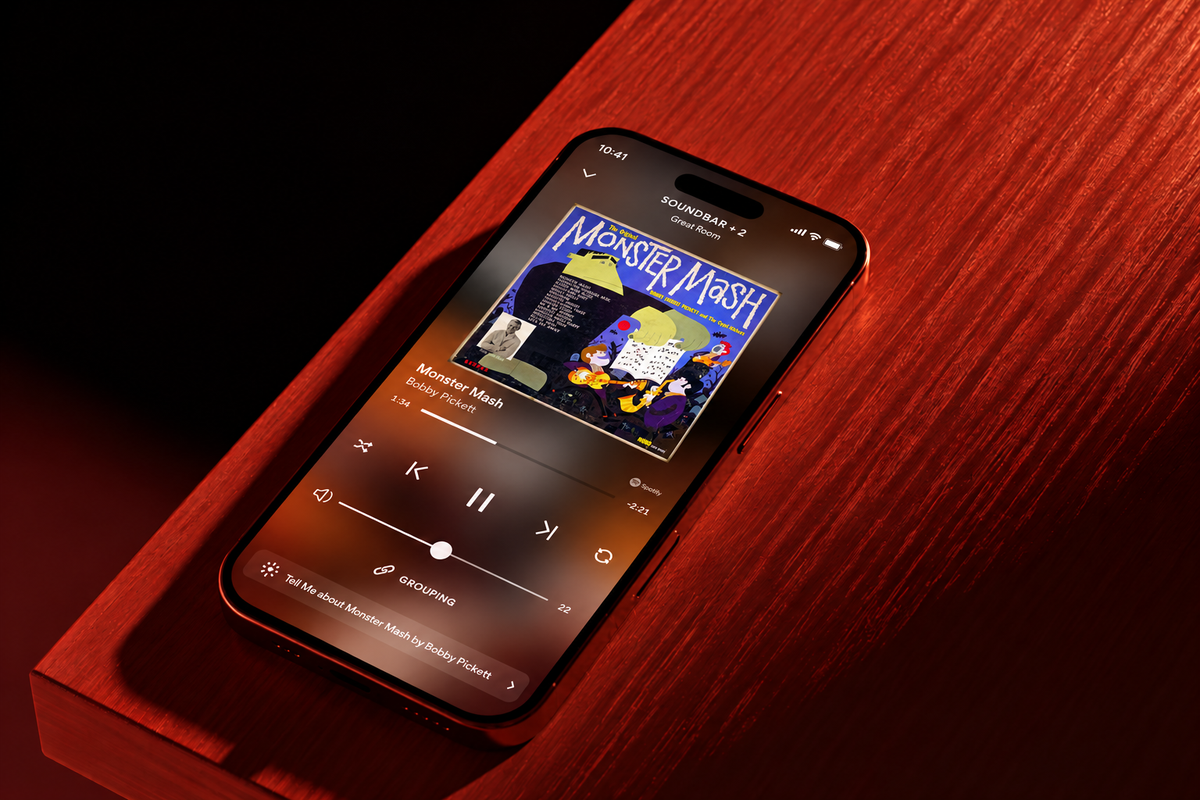
Play a festive favorite through your connected music service:
"Hey Josh, announce ‘Welcome to Fright Night’ and listen to ‘Monster Mash’ in the living room.”
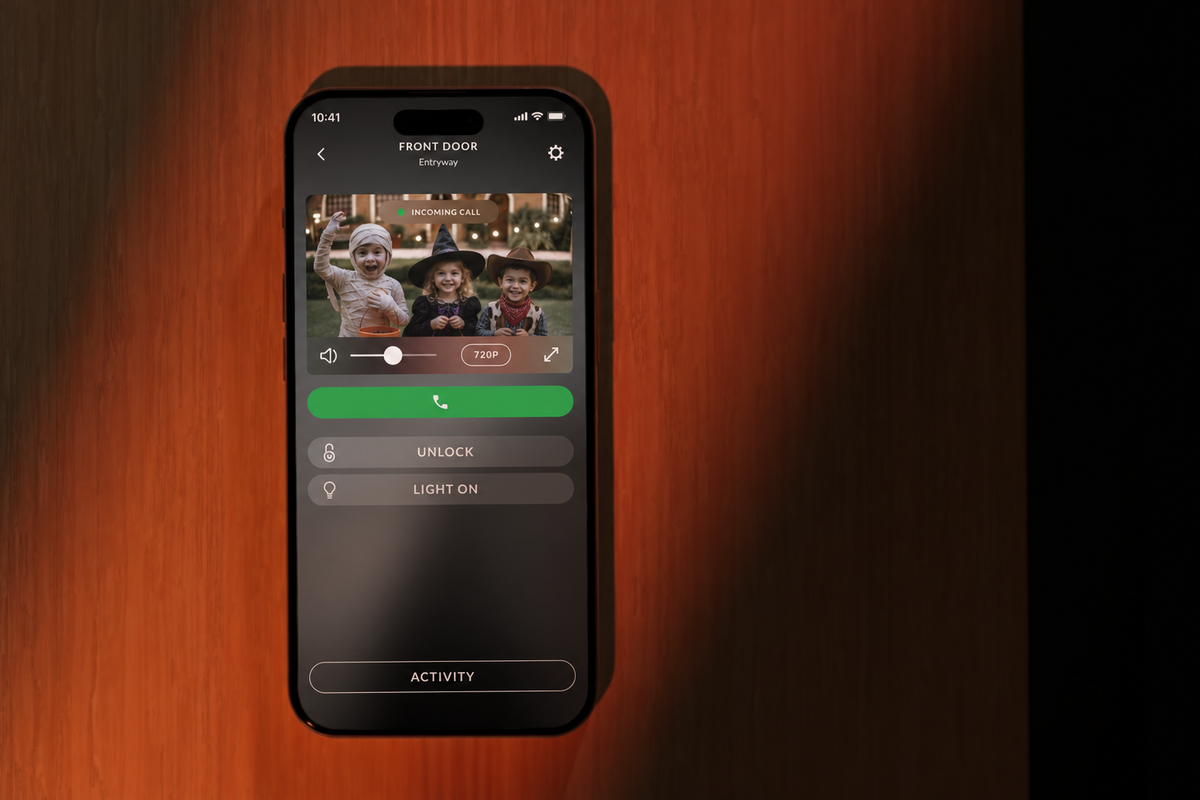
Ask Josh who is at the door so you know how to greet trick-or-treaters:
"Hey Josh, analyze the front door camera.”
An example Josh response: “I see a mummy, a witch, and a cowboy on your front porch.”
As friends arrive, easily adjust lighting, music, and more to make your haunted home come to life.

Serve Up Something Unexpected 🧛
After setting the ambiance, it is time to serve your guests. Whether you are planning a dinner or adding one last treat to the table, JoshGPT can help with ideas. Tell Josh what ingredients you have, ask for a themed recipe, or give it a guest list that requires a little imagination.
"Hey Josh, what should I serve at a dinner party for a vampire, a werewolf, and a vegetarian?”
Josh’s response: "Start with a garlic-free bruschetta for the vampire, followed by a hearty vegetable stew for the vegetarian. For the werewolf, perhaps a rare steak or a meaty mushroom risotto. Don’t forget a side of moon-shaped cookies for dessert.”
The moon-shaped cookies sound worth trying, even with plenty of Halloween candy nearby. Ask Josh to incorporate special ingredients for a trick-and-treat, or change the request to suit your own Halloween menu.

Treat Your Guests to a Little JoshGPT Fun 🍬
Once everyone has settled in, let your guests join in. Ask Josh for Halloween trivia, a ghost story, or a joke to share around the table. You can also find out where Josh stands on the season’s most debated candy.
“Hey Josh, what’s your favorite Halloween candy?”
Josh’s response: “I’d have to go with candy corn. It’s colorful, tastes good, and is slightly corny.”
We’re sticking with Reese’s, but we appreciate the enthusiasm. Try a few questions of your own and see which answers get the biggest reaction.
For a laugh between bites, try this one:
“Hey Josh, tell me a scary joke.”
Josh’s response: “Why did the ghost get kicked out of the Halloween party? He couldn’t handle his boos.”

Wind Down with a Halloween Favorite 🦇
When the trick-or-treating is over, bring out the leftover candy with a few friends and settle in for a movie. Need help choosing?
We asked Josh for a recommendation: “Hey Josh, what’s your favorite Halloween movie?”
Josh’s response: “I’d say Hocus Pocus. It’s spooky fun with a dash of magic and plenty of laughs.”
With a movie picked, use Josh to close your connected shades and soften the lights for a cozy end to the evening.
“Hey Josh, set the room for movie time.”
Whether you are hosting a crowd or enjoying a quiet night in, there are plenty of ways to make Halloween your own with Josh. Try a new lighting color, choose a spooky soundtrack, and ask a question you wouldn’t normally think to ask.
From the Josh team, happy Halloween! Let us know how you are getting into the spirit with your smart home this spooky season.